
User documentation
Export a document#
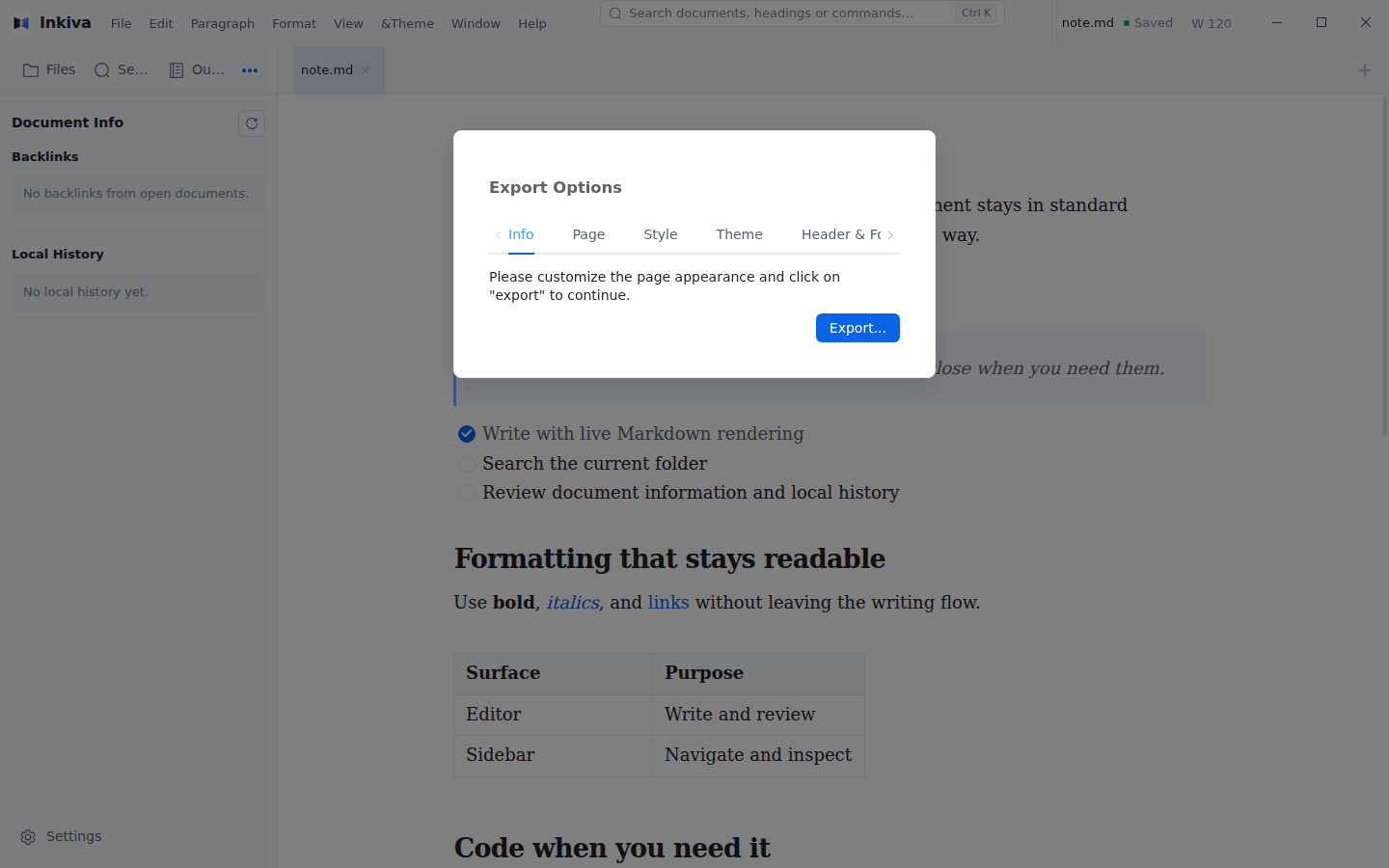
Inkiva can export the current Markdown document as a PDF or HTML file, or send it to the system print dialog. Open File → Export and choose the output format.
Page options#
For PDF export and printing, choose the page size, orientation, and margins before exporting.
Style#
Adjust the exported page without changing the document or its application appearance:
- Override the font family, font size, and line height.
- Automatically number headings.
- Show or hide front matter.
Theme#
Choose a page theme for the exported document. See Export themes for the available styles and custom-theme guidance.
Header and footer#
PDF export and printing support optional headers and footers. Choose no header/footer, or use a single-cell or three-cell layout, then enter the text in the export options. Headers may be multiline; footers are single-line. Page numbering is not currently supported.